
Aakar Launcher
A polished, fully customizable Android home launcher.
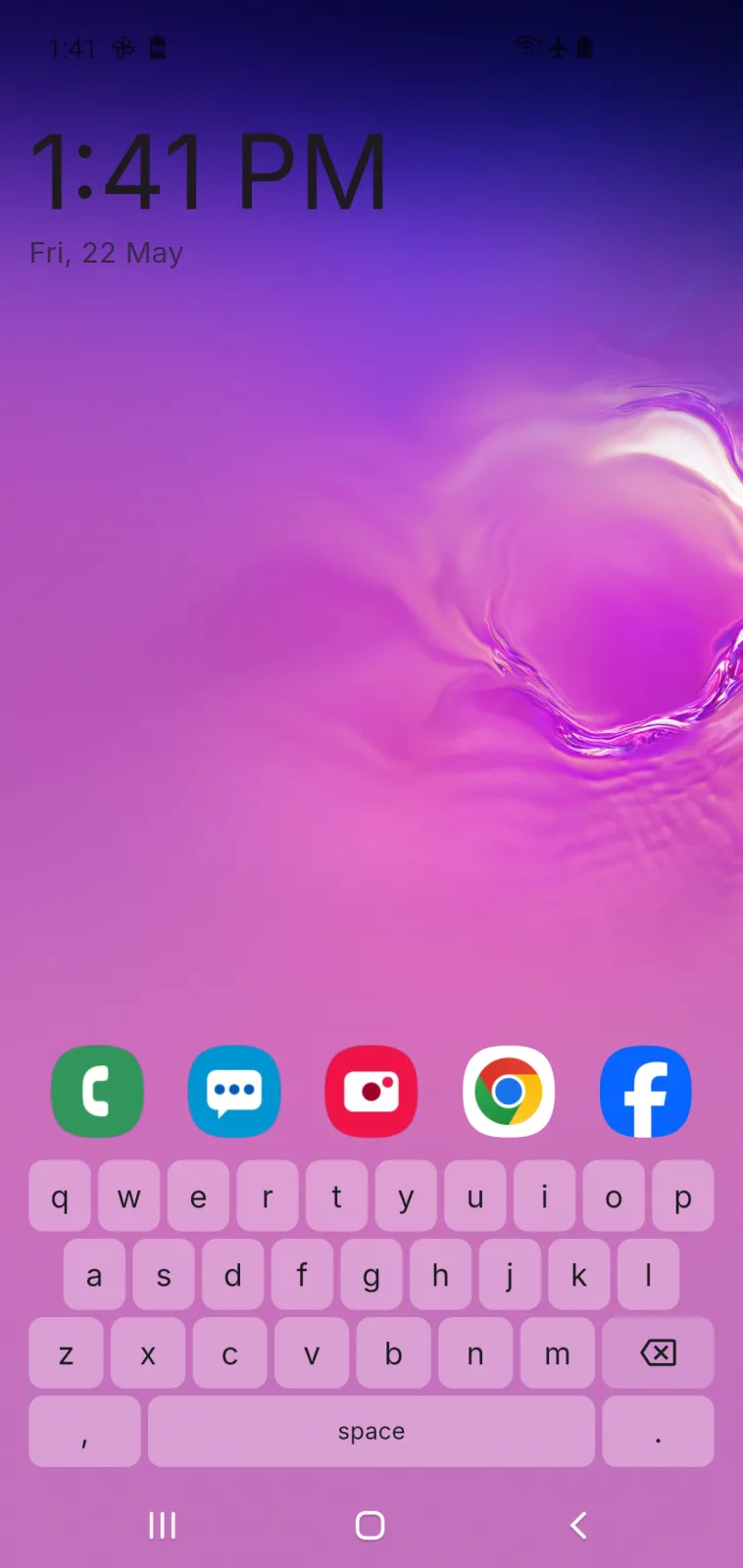
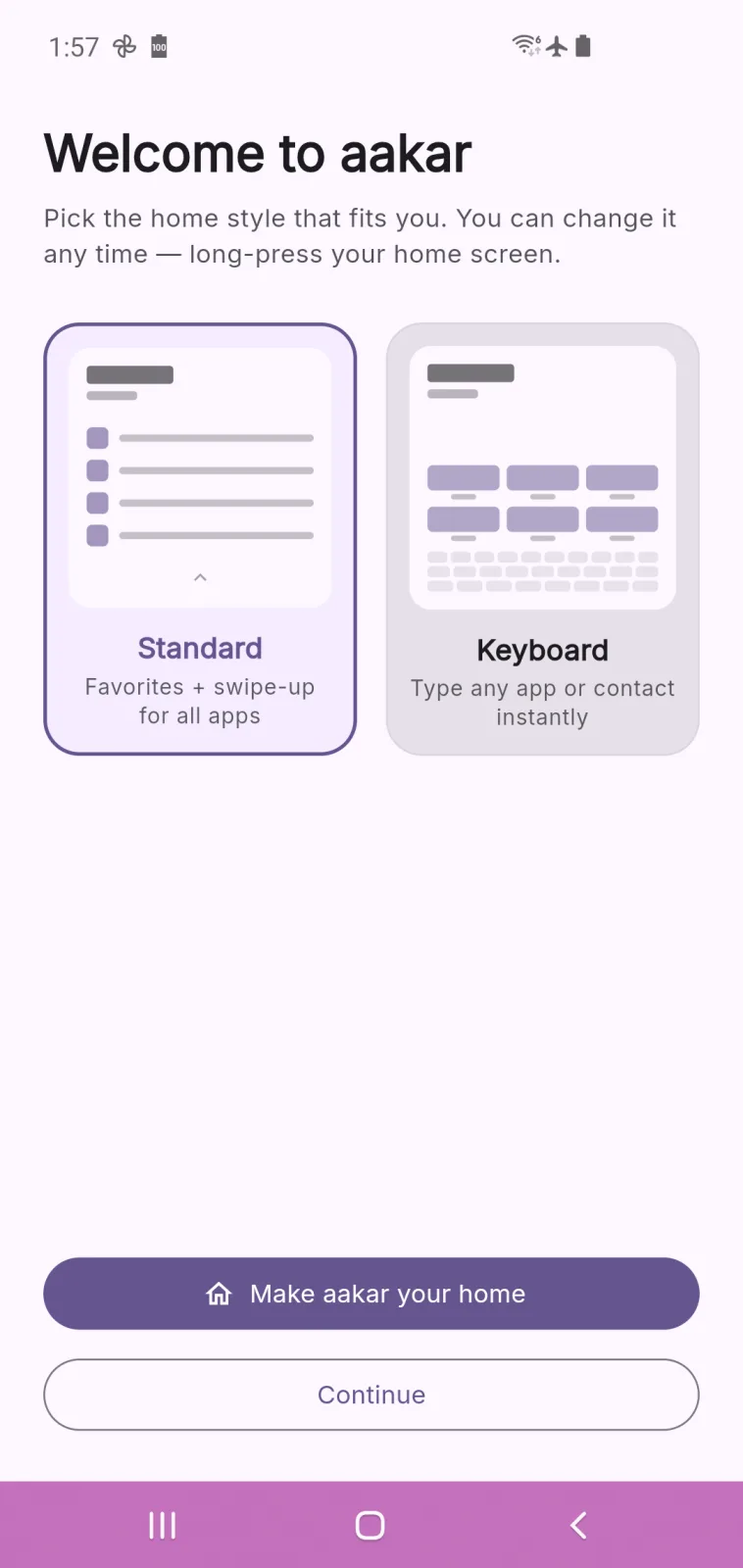
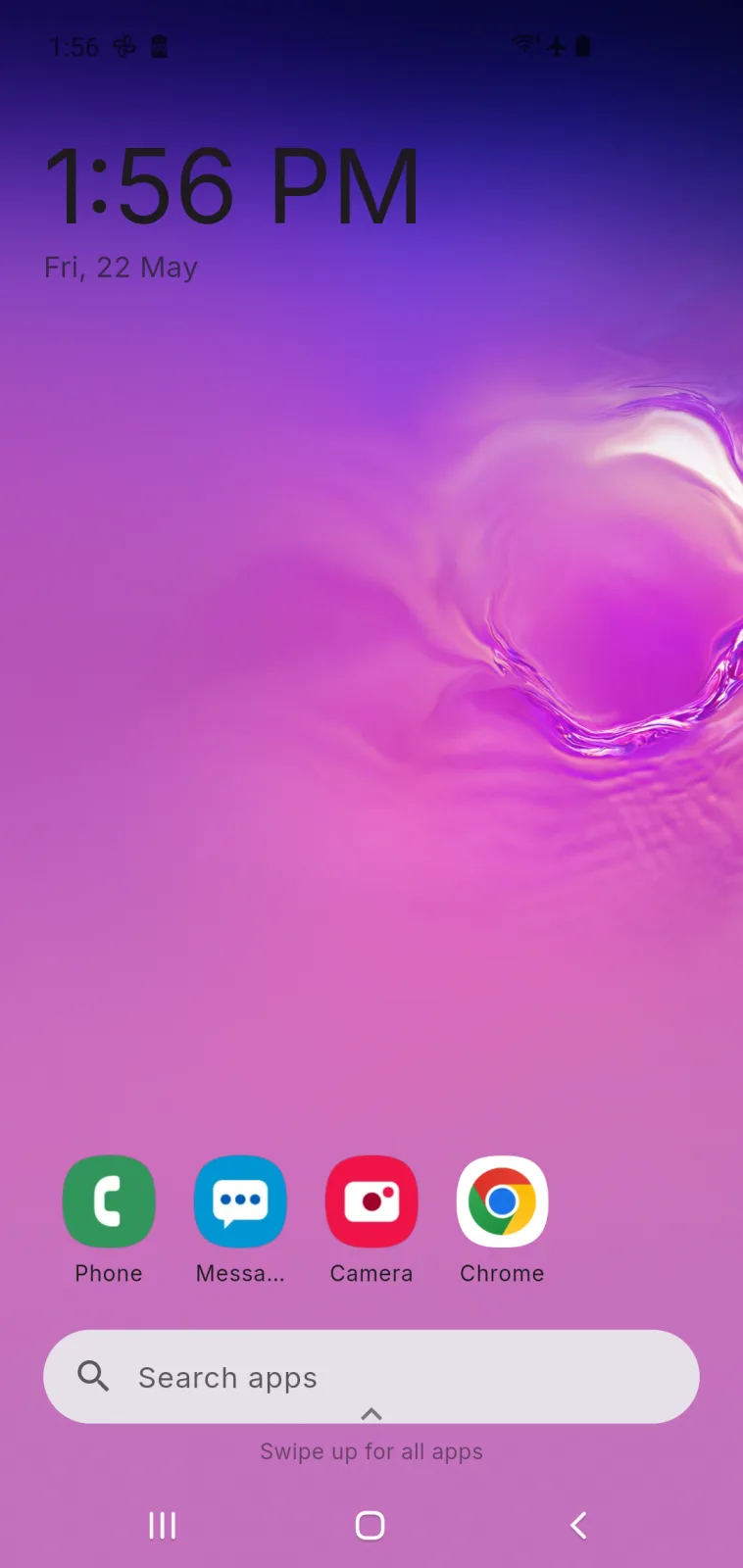
Most launchers pick a side: huge icons for simplicity, or dense grids for speed. Aakar does both. Standard mode is a clean clock and favourites; Keyboard mode puts a QWERTY keyboard on the home screen so any app or contact is a few letters away. Switch with a long press.
Why Aakar
One launcher for grandparents and power users, on the same phone.
Aakar is an Android home launcher built to fit anyone from grandparents to power users — clean defaults, deep customization where you want it.
Made for
- Older relatives who need big text and big icons
- People who would rather type than hunt for an icon
- Anyone who wants a launcher without accounts or ads
- home styles
- 2
- home styles
- fonts
- 5
- fonts
- accent colours
- 7
- accent colours
- trackers
- 0
- trackers
What it does
Everything in Aakar Launcher.
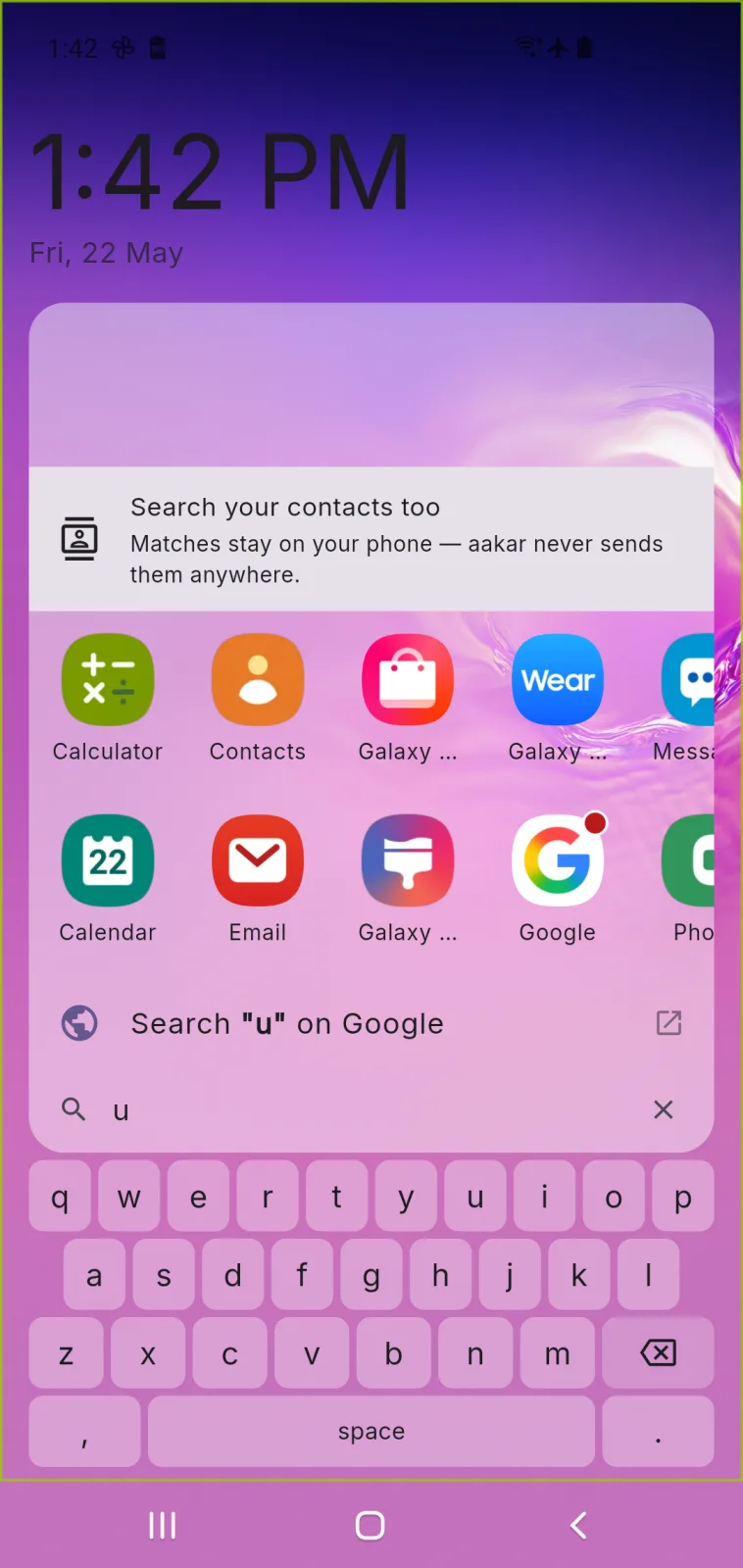
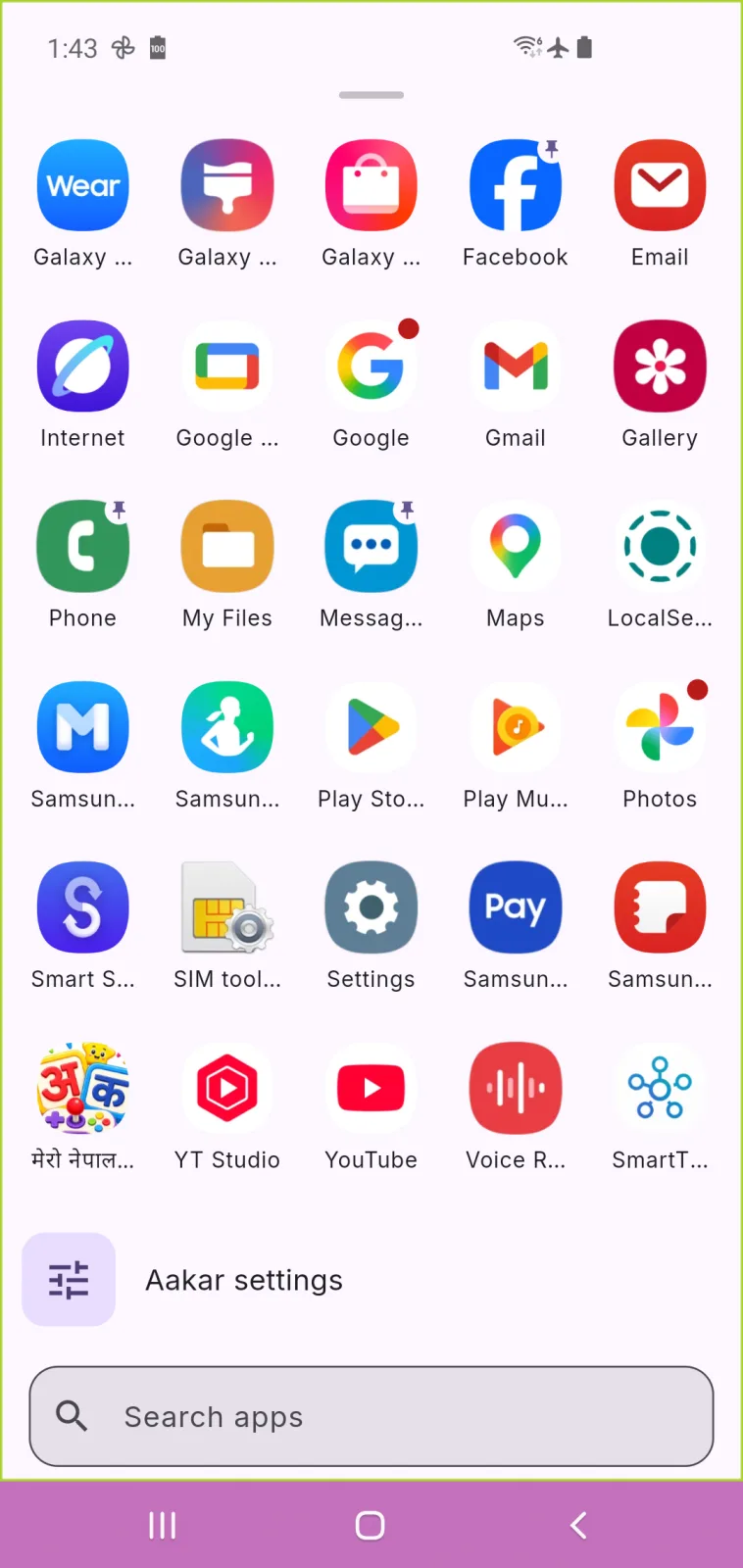
Standard: clock, favourites and a swipe-up drawer. Keyboard: a pinned grid above an always-on keyboard. Change your mind any time with a long press on home.
The first letters of an app name or package name find it, even when the label is odd. Contacts too, with a picker for mobile, home and work numbers.
Drag icons into a sparse grid that keeps your gaps. Contact tiles show the photo and call on tap. Auto-arrange sorts everything and packs it to thumb height.
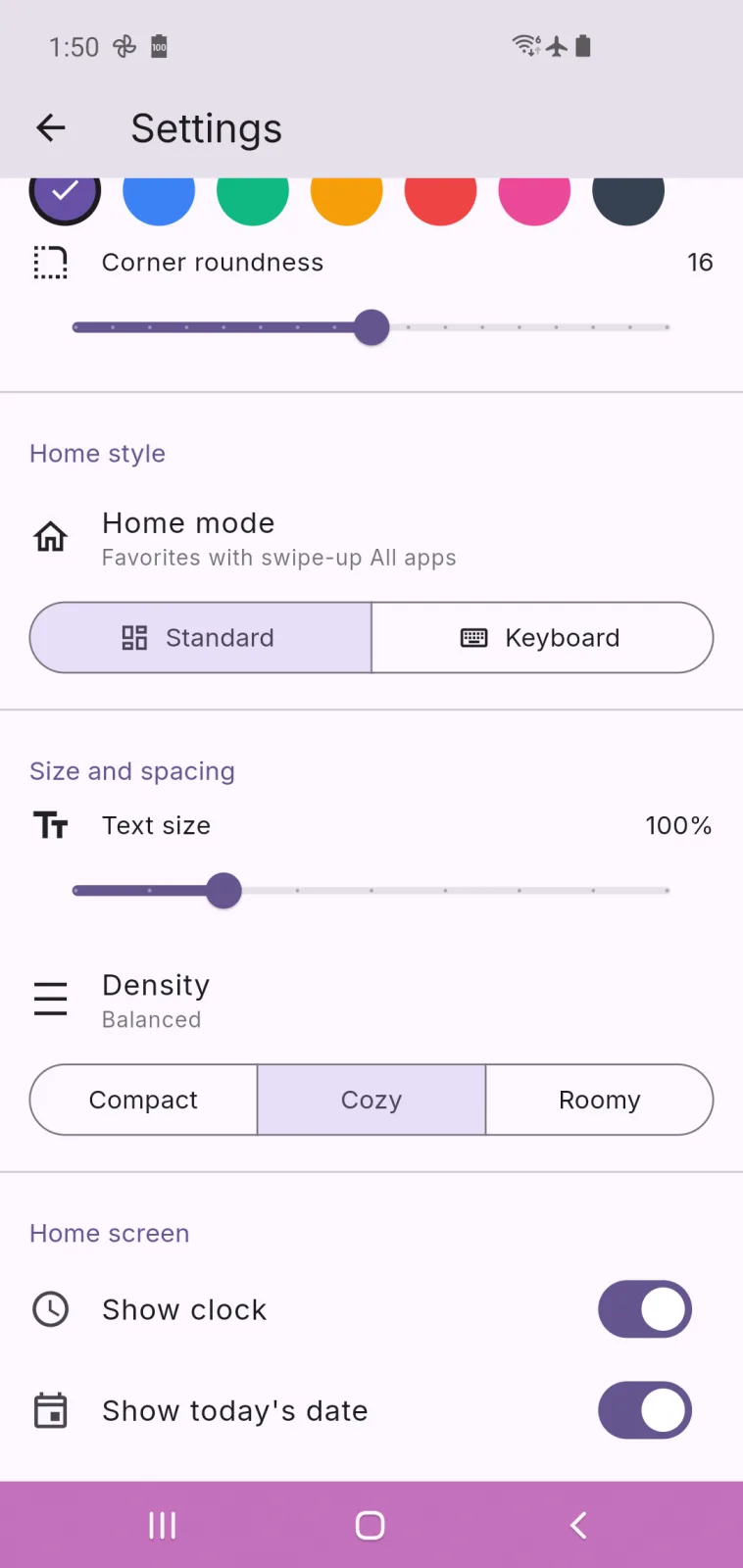
Compact, cozy or roomy density; light, dark or system theme; seven accent colours; a corner-radius slider; five fonts including Atkinson Hyperlegible for low vision.
An optional Bikram Sambat date next to the Gregorian one, and good behaviour on Samsung One UI, stock Android and most OEM skins.
No account, no cloud, no analytics, no tracking SDKs. Contacts stay on the phone and notification badges only count, never read.
See it on the screen.
Screenshots from Google Play.
Built with
Questions
Will it work on my phone?
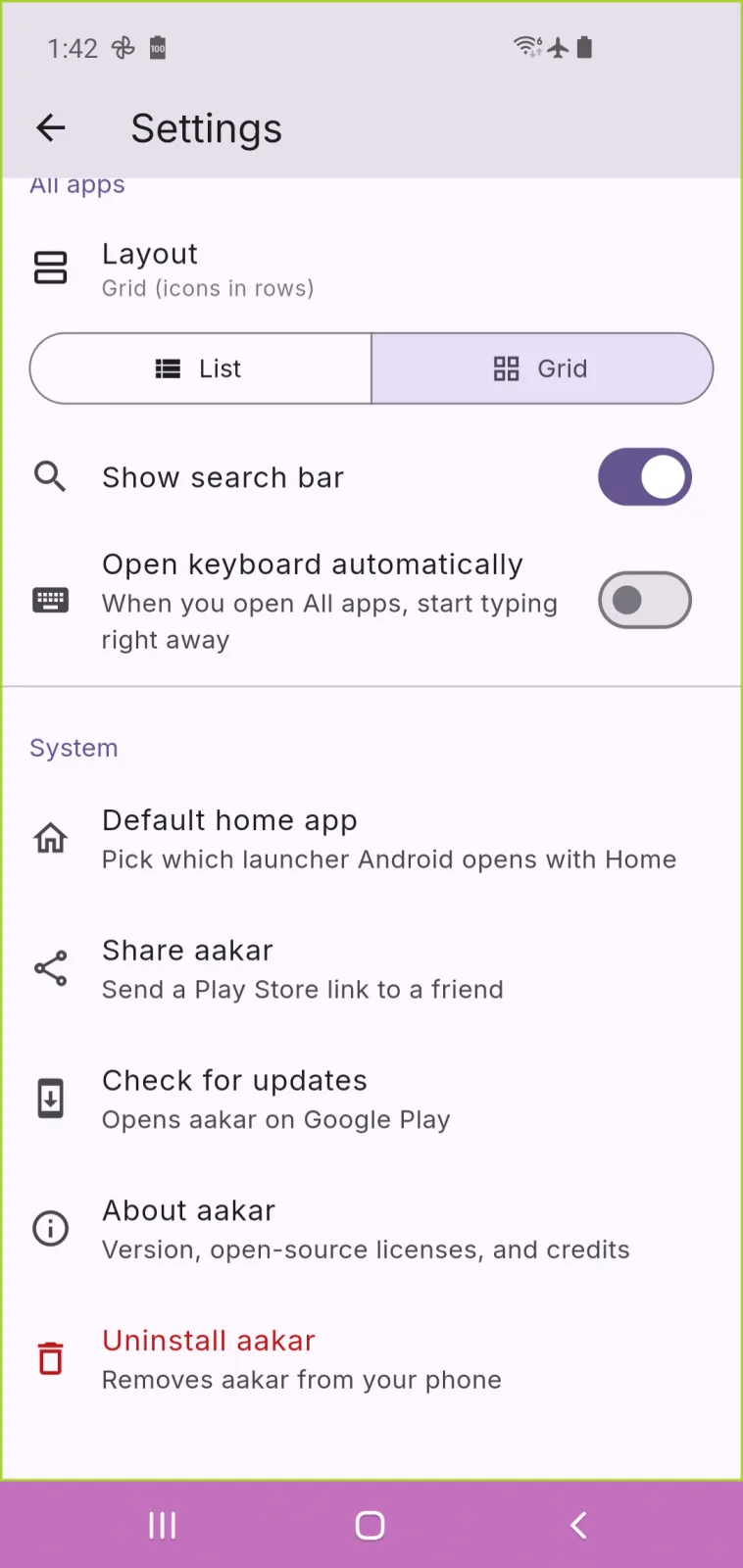
Aakar is an Android home launcher and runs on stock Android, Samsung One UI and most manufacturer skins. Set it as the default home app from its settings.
Does it read my notifications?
Only if you opt in to badges, and then only the count per app. It never reads the content, and you can revoke the permission any time.
Is it free?
Yes, with no ads and no in-app purchases.