
Patrabaki
Collect client documents without the chase.
Send one link on WhatsApp. Clients upload files or type answers from their phone, with no login, and everything lands straight in your own Google Drive, a folder per client. Your team checks each item and sends back what needs fixing, and reminders list only what is still missing. Built by PopupBits for offices in Nepal.
Why Patrabaki
Collect client documents without the chase.
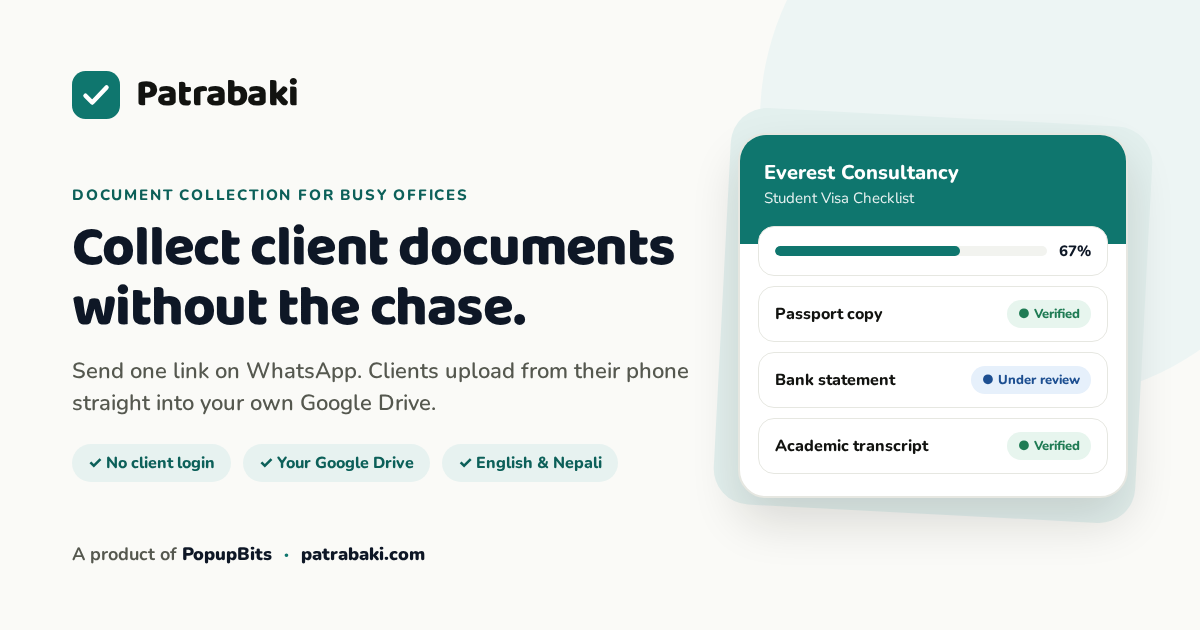
Patrabaki (पत्रबाकी) is a web app for offices that collect documents from clients: education consultancies, insurance agencies, company-registration and CA firms, and travel agencies. Send one link on WhatsApp; clients upload files or type answers from their phone, with no login, straight into your own Google Drive. Your team verifies each item or sends it back with a note, and reminders list only what is still missing. In English and Nepali.
Made for
- Education consultancies collecting visa and admission documents
- Insurance agencies gathering claim paperwork
- Company-registration and CA firms
- Travel agencies
- client logins
- 0
- client logins
- languages
- 2
- languages
- where files live
- Your Drive
- where files live
What it does
Everything in Patrabaki.
Your business name, logo and brand colour on every page your clients see, with your WhatsApp number for questions.
Start from a template, such as a student visa, a company registration or an insurance claim, or build your own with required items and accepted file types.
Each client gets one private link. They photograph or upload each document from their phone, or type an answer, with no account to create.
Files go into your Drive, a folder per client. Patrabaki asks only for the drive.file scope, so it can reach the files it creates and nothing else.
Preview each document, mark it verified or ask for a fix with a short note, and move on to the next item to review.
One tap writes a reminder that lists only the items still pending or sent back, in English or Nepali.
The client page loads almost no JavaScript, works without it, opens the camera and shows progress on every item.
See it on the screen.
Screenshots from .